Upload or import by URL
Pick a file from your computer or import a video that is already online through its URL.

 Hosted in
Shopware integration
Manage your video library in the Shopware backend and use ready-made building blocks inside your shop pages. The videos are delivered through VideoOptimizer.

Video management
Your team uploads videos, organizes them in libraries and picks preview images. The video files stay with VideoOptimizer; extra copies in the shop are not needed.
Plugin & installation guidePick a file from your computer or import a video that is already online through its URL.
Pick a preview image for the video or use your own image from your Shopware media.
Adapt the look and the controls of the player to your shop. The video quality follows the device and connection of your visitors.
Templates to get started quickly
Ten video building blocks for your shopping experiences. Pick the template that suits your content.
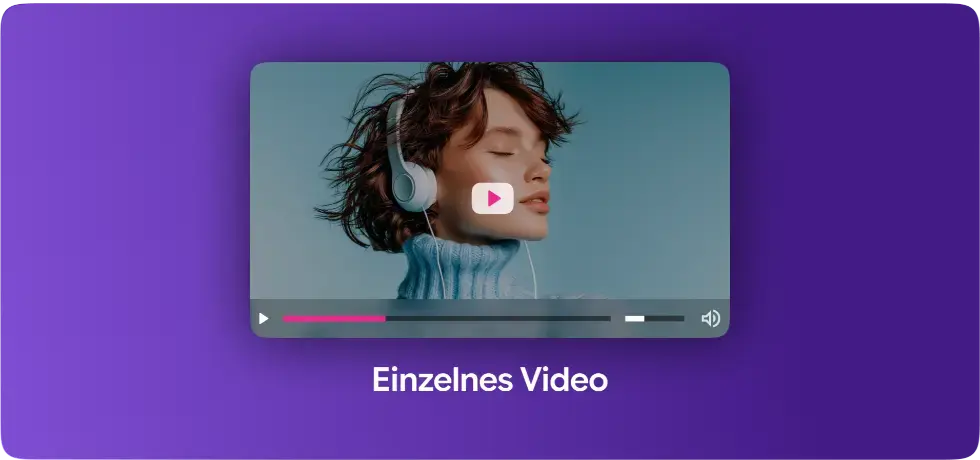
Embed a product demo or tutorial directly in your page. Visitors start the video in the embedded player.
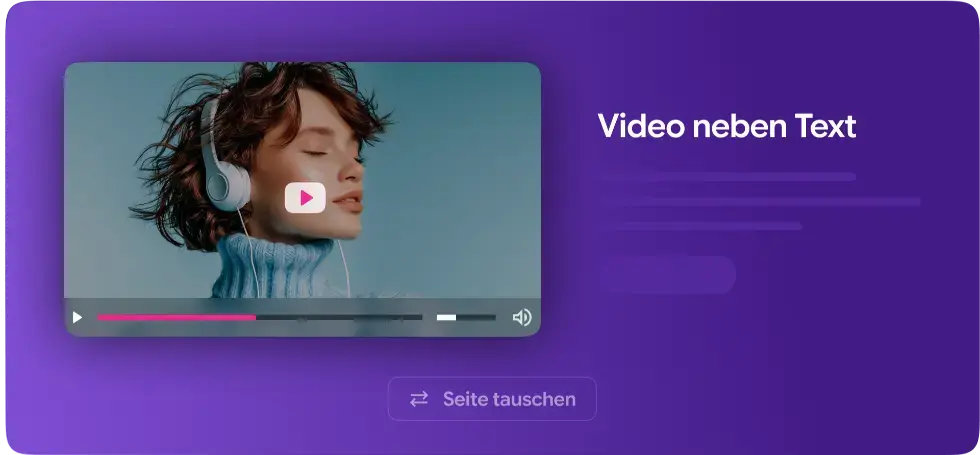
Show your product in the video and explain features, usage or important details beside it.

A muted video runs behind heading and text – for instance at the start of a brand or campaign page.
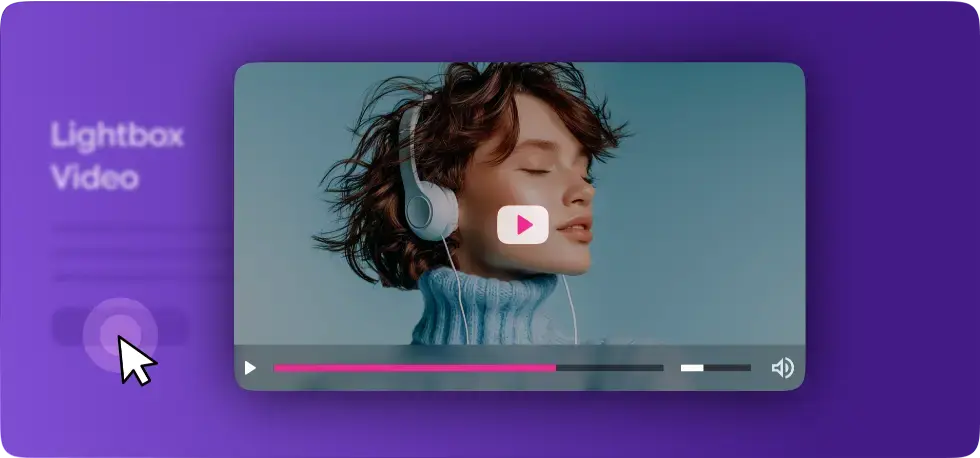
A click on the preview image opens the video in an enlarged view above the page.
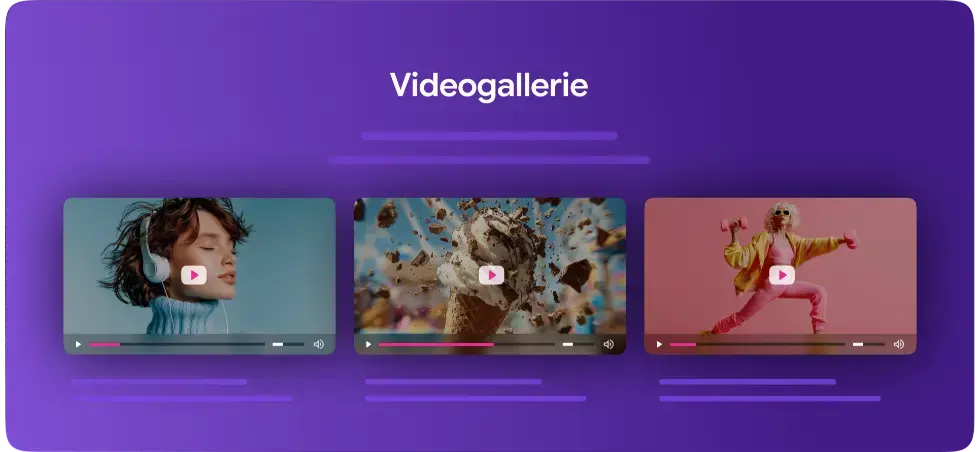
Combine several product demos, tutorials or testimonials so visitors can pick the video they need.
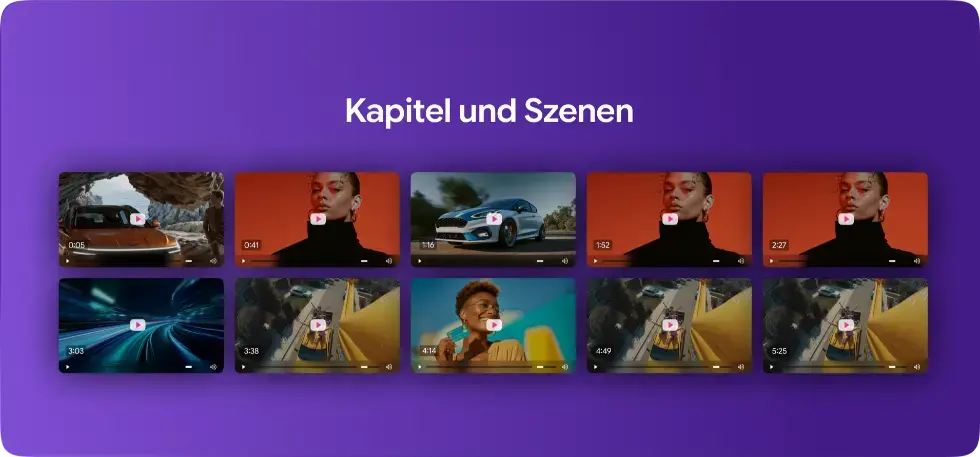
Let visitors jump straight to the right spot. A click on a preview image opens the video at that scene.
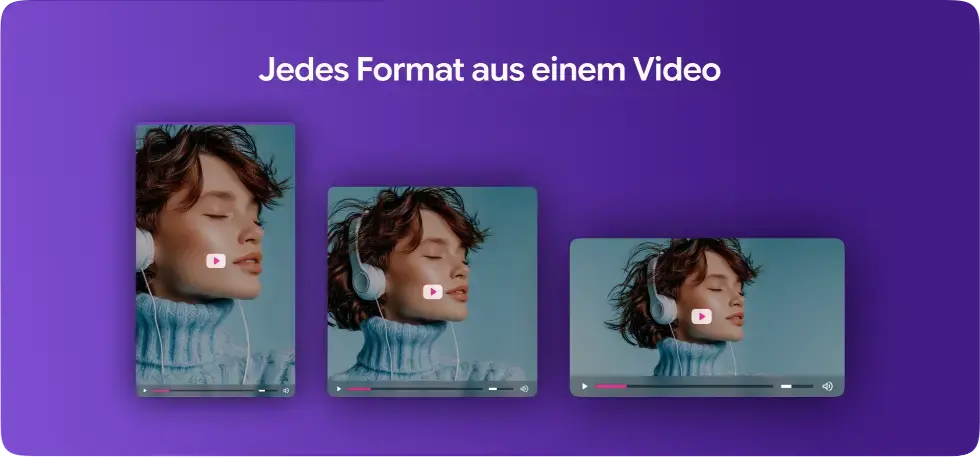
Use the same video in portrait, square or as a wide banner. It fills the given image area appropriately.
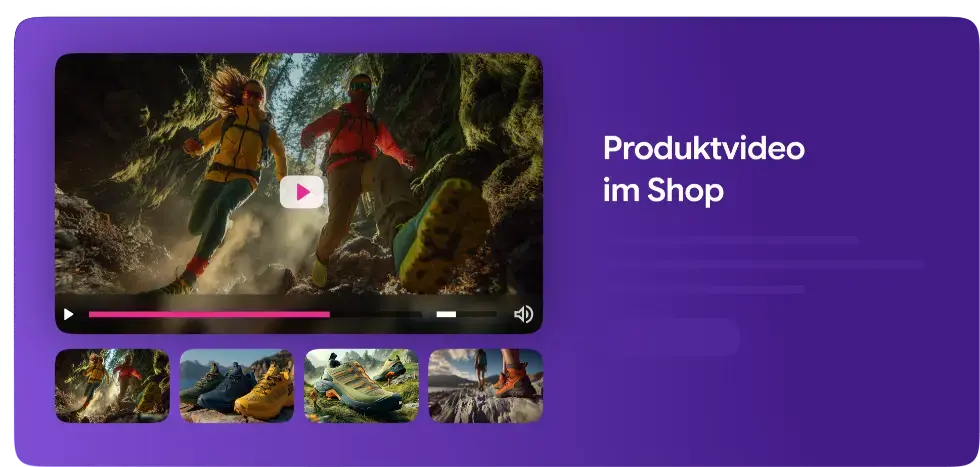
Show your video right next to the product images. A click on the video tile starts playback with sound.
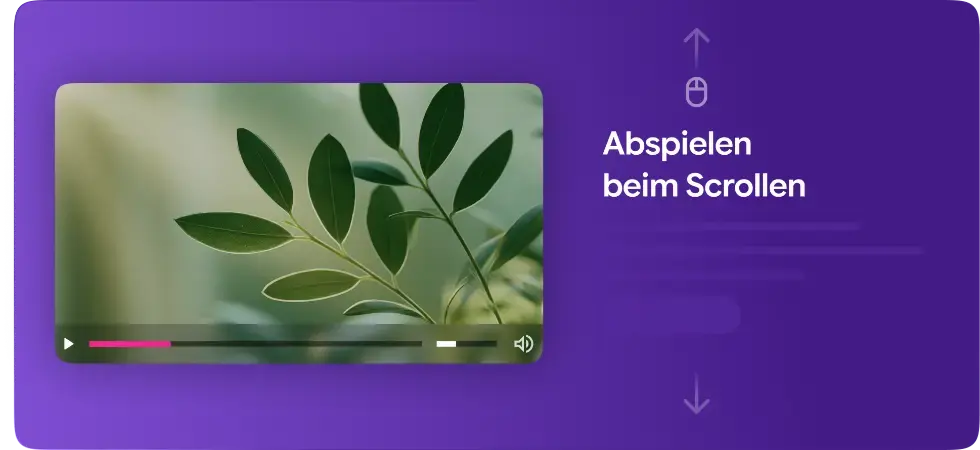
The video starts muted as soon as it is half visible. If visitors scroll on, playback pauses automatically.
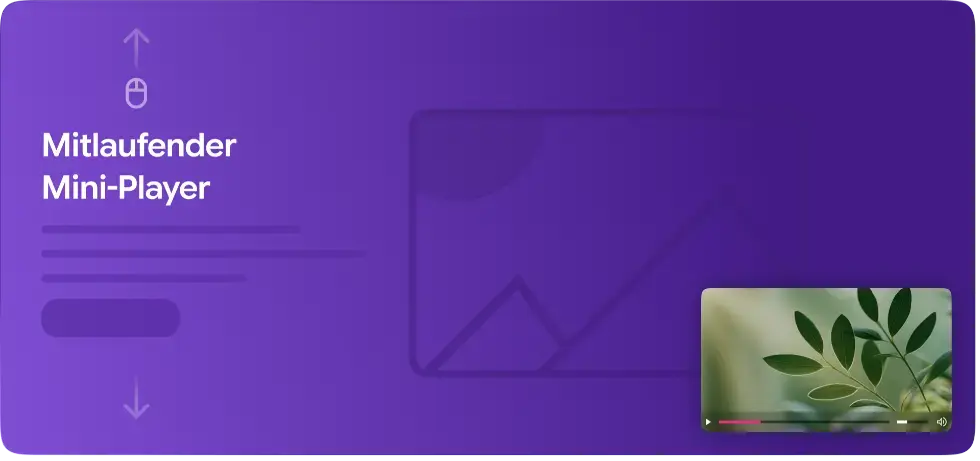
As visitors scroll on, the started video keeps running as a small player in the bottom right. They can close it at any time.
Install and activate the VideoOptimizer plugin in your Shopware shop.
Store your API token in the plugin settings. Shopware then accesses the libraries you have released.
Add a video building block to your shopping experience. Pick a video from the library and adjust its presentation.
The plugin supports Shopware 6.6.x and 6.7.x. You need a VideoOptimizer account and an API token. The required PHP version follows your Shopware version, at least PHP 8.2.
Your team can manage libraries and videos, upload files, import videos by URL and pick preview images. Uploading and editing require the matching access rights and a library that supports those functions.
No. The API token is stored server-side in the plugin configuration. The requests to the API run through Shopware. For direct uploads the browser receives short-lived upload URLs.

Talk to us about how to use your video library and the shopping-experience blocks in your shop.
