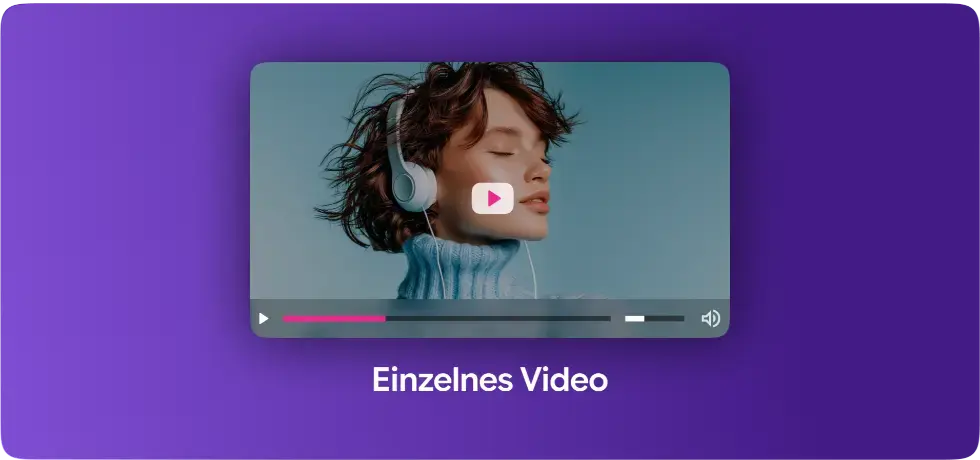
1. Single video
Embed a product demo or tutorial directly in your page. Visitors start the video in the embedded player.

 Hosted in
Integrations
Access your videos in Shopware, Sulu, TYPO3 and WordPress and embed them with ready-made building blocks. You connect your own applications through the API.




Use the ready-made integration for your shop or your CMS. For custom connections the documented REST API is at your disposal.
Shop integration Manage videos directly in Shopware and add them to your shopping experiences with ready-made building blocks.
Explore Shopware CMS integration
Pick videos directly in Sulu and add them to your pages as a gallery, a background video or a video with text.
Explore Sulu CMS integration
Manage videos directly in the TYPO3 backend and add them to your pages with ready-made content elements.
Explore TYPO3 CMS integration
Manage videos directly in WordPress and add them to your pages and posts with ready-made video blocks.
Explore WordPressConnect your CMS, your shop or your own application through the documented REST API.
To the API documentationTemplates to get started quickly
Ten video building blocks for your shopping experiences. Pick the template that suits your content.
Which building blocks you can use depends on your integration.
Embed a product demo or tutorial directly in your page. Visitors start the video in the embedded player.
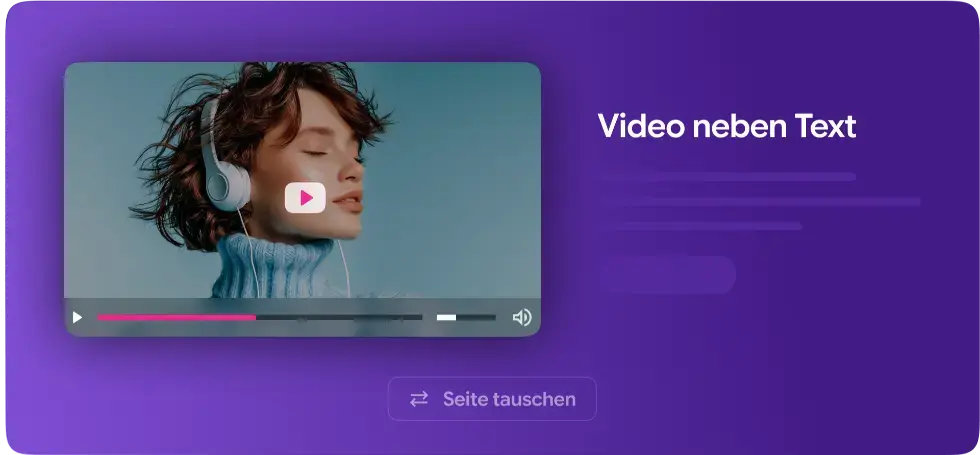
Show your product in the video and explain features, usage or important details beside it.

A muted video runs behind heading and text – for instance at the start of a brand or campaign page.
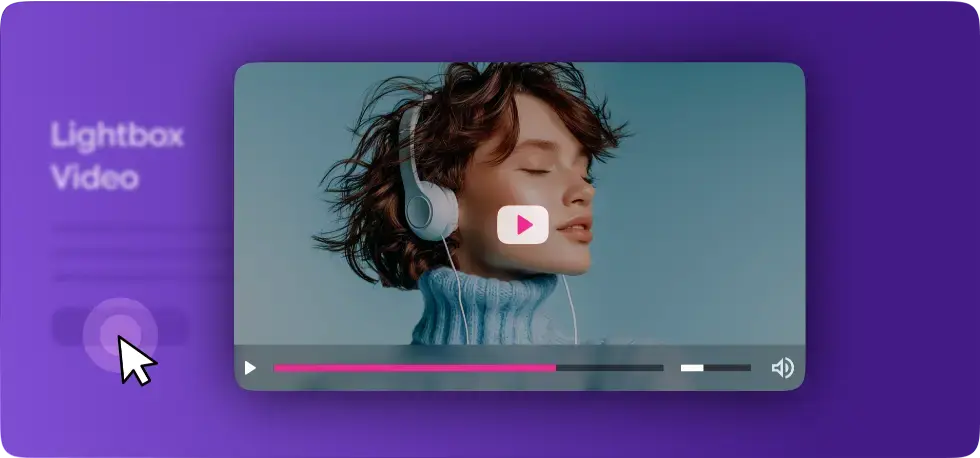
A click on the preview image opens the video in an enlarged view above the page.
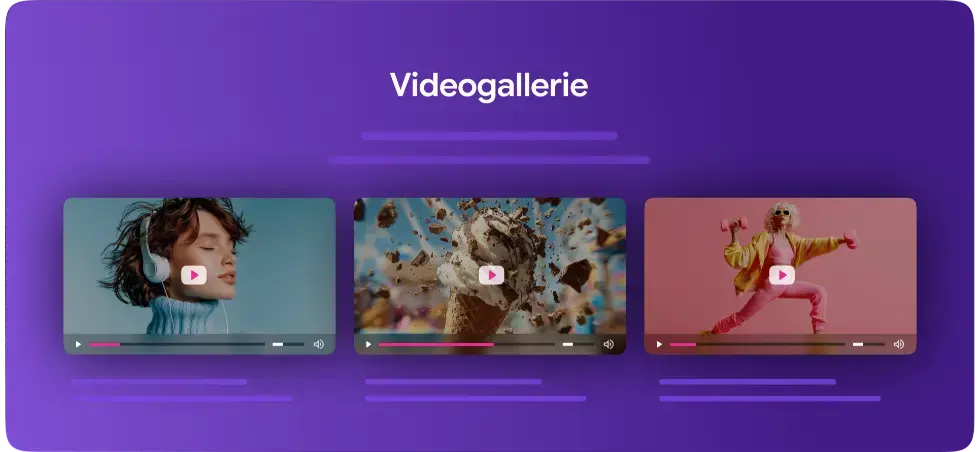
Combine several product demos, tutorials or testimonials so visitors can pick the video they need.
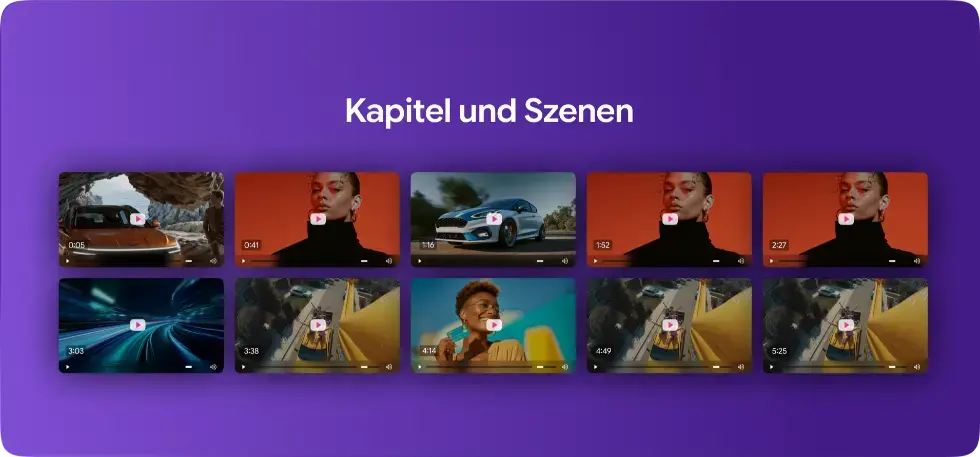
Let visitors jump straight to the right spot. A click on a preview image opens the video at that scene.
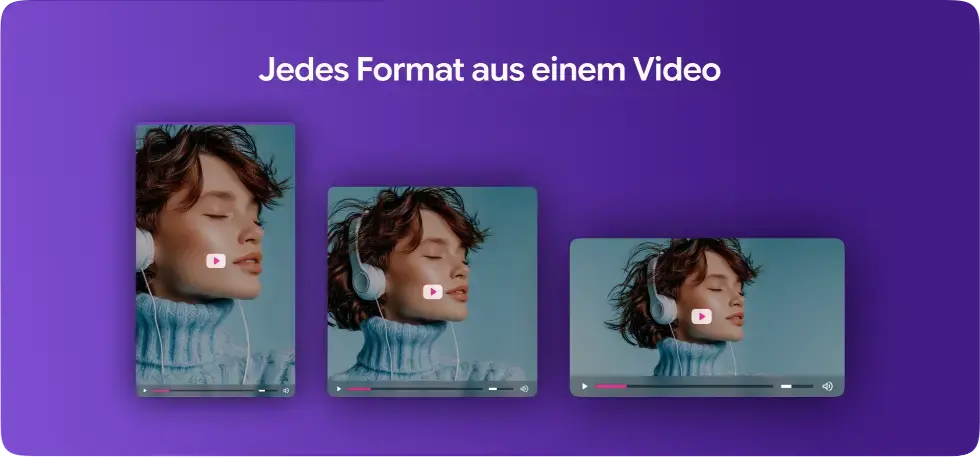
Use the same video in portrait, square or as a wide banner. It fills the given image area appropriately.
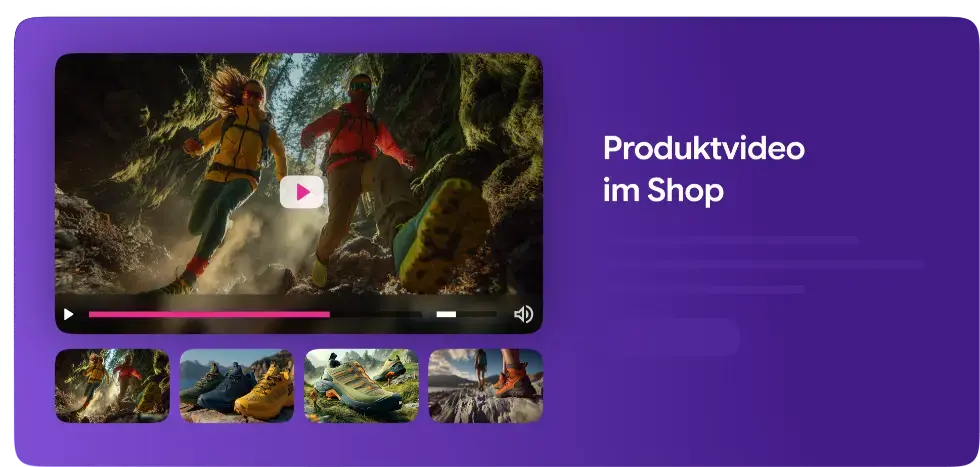
Show your video right next to the product images. A click on the video tile starts playback with sound.
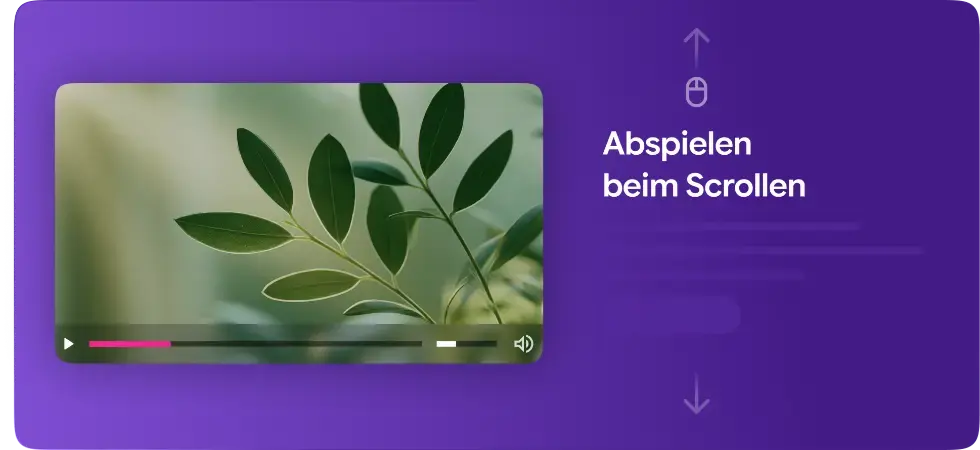
The video starts muted as soon as it is half visible. If visitors scroll on, playback pauses automatically.
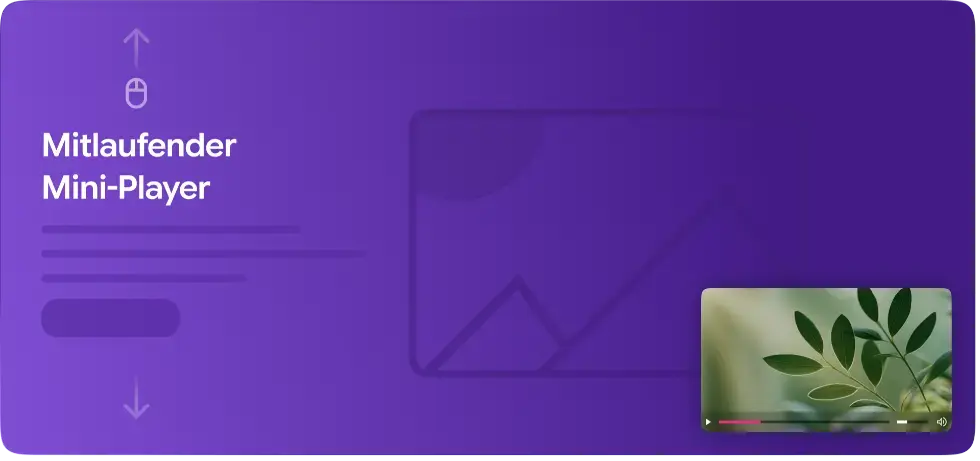
As visitors scroll on, the started video keeps running as a small player in the bottom right. They can close it at any time.
Use the integration for Shopware, Sulu, TYPO3 or WordPress. Your development team connects your own applications through the REST API.
Connect your system to VideoOptimizer with an API token and decide which libraries it may access.
Pick videos from your library and place them on your pages – with ready-made building blocks or a custom-built presentation.
Your benefits in everyday work

Flexible video player
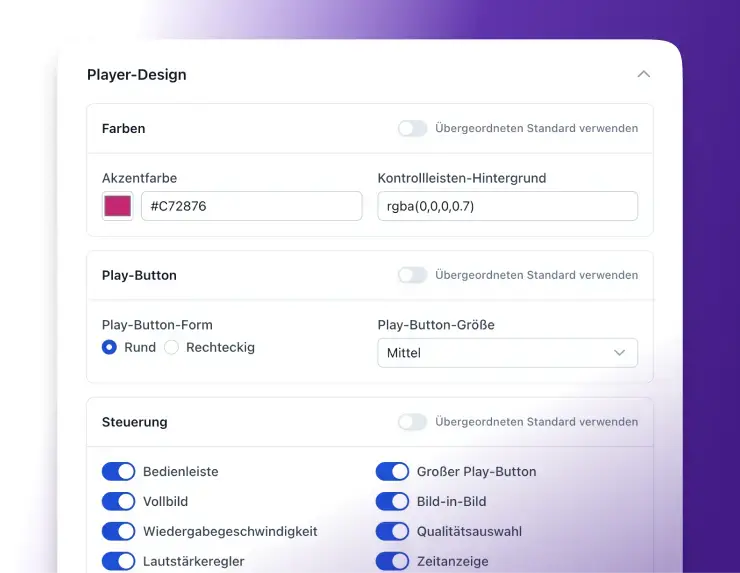
Design the player so that it matches your website. Pick the right presentation for every use and control how the video starts and plays.
Ready in 2 minutes. No credit card.
Yes. The integration connects your system with your VideoOptimizer account. You need an API token with the matching permissions.
Your CMS uses the central library of VideoOptimizer. The video files are delivered through its infrastructure, so you do not have to manage your own copies per system.
No. Which building blocks are available depends on the integration. Shopware offers ready-made blocks for shopping experiences, Sulu its own content blocks, TYPO3 five content elements and WordPress video blocks for the block editor. With a custom API connection the presentation is built in your application.

Talk to us about which integration suits your CMS, your shop or your own application.
