Upload or import by URL
Drag and drop your videos straight into the backend – even large files, with no upload limits – or import a video that is already online through its URL.

 Hosted in
WordPress integration
Manage your video library directly in the WordPress backend and add ready-made video blocks to your pages and posts. The videos are delivered through VideoOptimizer – fast, responsive and GDPR-compliant.

Video management
Your team uploads videos, picks preview images and sets up the player – all in the WordPress backend. The video files stay with VideoOptimizer; extra copies in your media library are not needed.
Plugin & installation guideDrag and drop your videos straight into the backend – even large files, with no upload limits – or import a video that is already online through its URL.
Pick an automatically generated preview image or upload your own poster image.
Set the look and the controls of the player. The video version is chosen automatically based on the device and connection of your visitors.
Templates to get started quickly
Five video blocks for the block editor – plus a shortcode, an optional Elementor widget and WooCommerce product videos. Pick the block that suits your content.
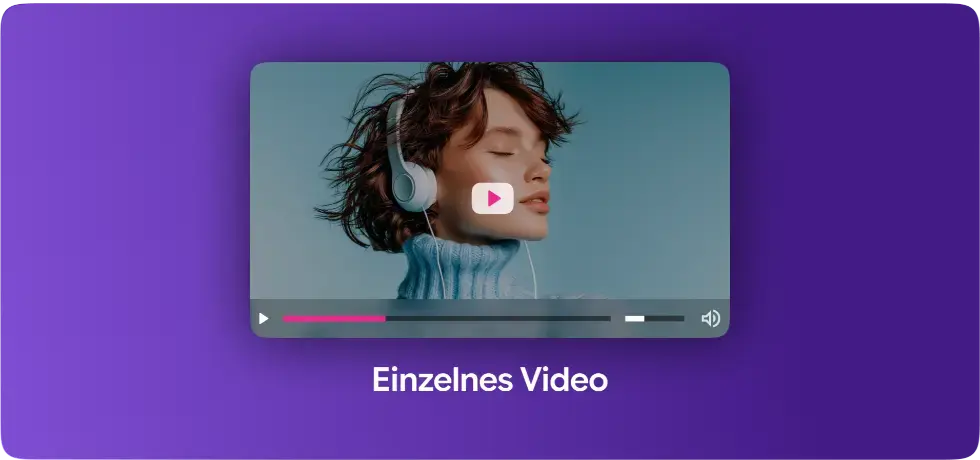
Embed a single video directly in your page, in the player of your choice.
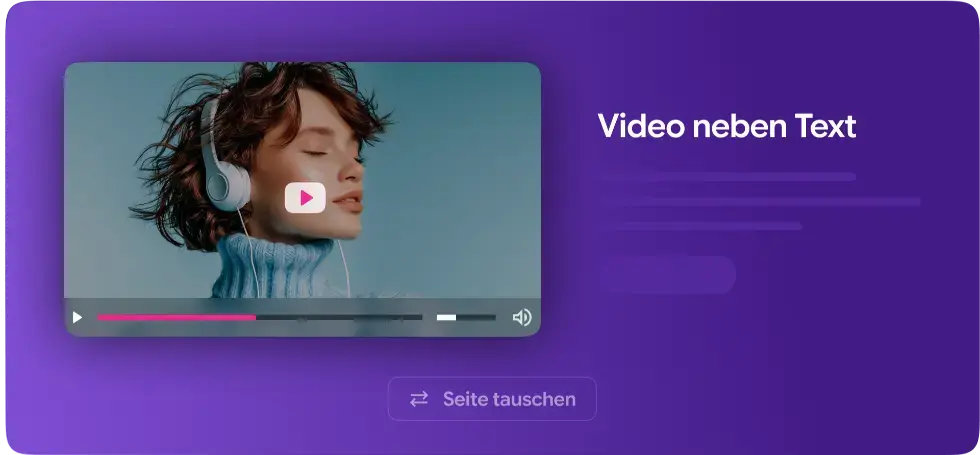
Show your video with features, usage or details beside it.

A muted video runs in the background, with text and elements on top.
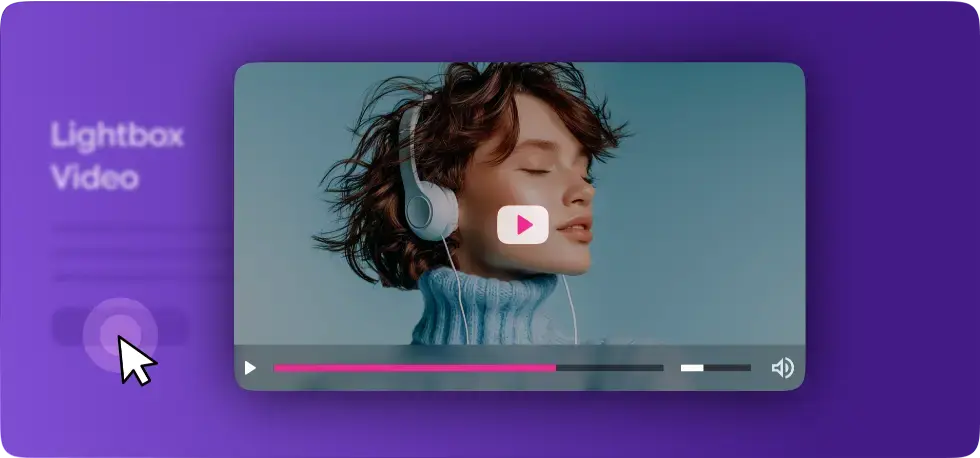
A preview image opens the video on click in an enlarged view (lightbox).
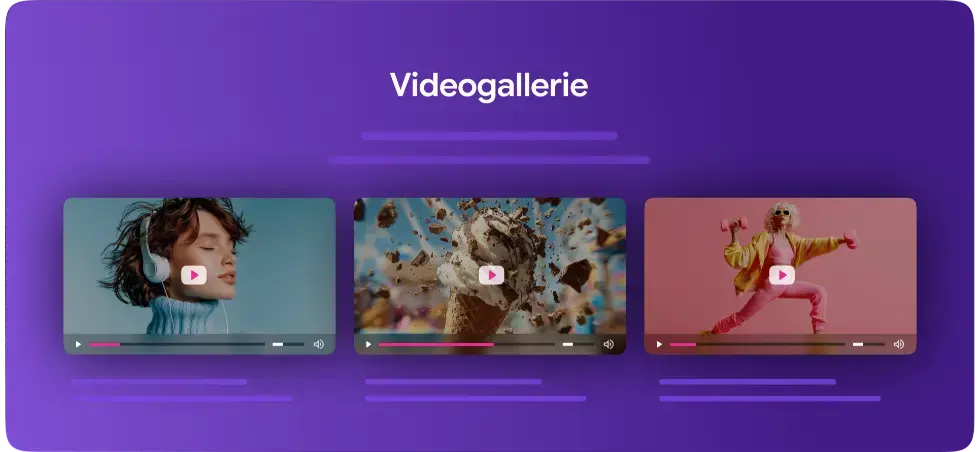
Show several videos as a gallery so visitors can pick the one they need.
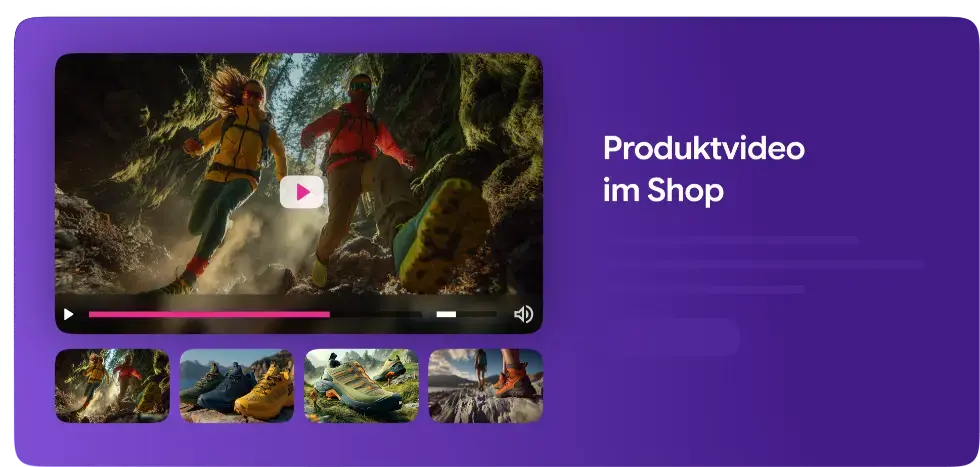
Product videos in the gallery, a dedicated video tab and muted hover previews in product lists – even videos per variant.
Upload the VideoOptimizer plugin and activate it in your WordPress.
Store your API token in the plugin settings. WordPress then accesses the libraries you have released.
Add a video block to your page, pick your video from the library and adjust its presentation.
WordPress 6.5 and newer, with PHP 8.1 or higher. WooCommerce is optionally supported from version 8.0.
Upload videos or import them by URL, pick preview images, set up the player, copy embed codes and place videos in pages and posts – all in the backend.
No. The token is stored securely and is never returned to the browser. Alternatively, you can define it as a constant in wp-config.php.

Talk to us about how to bring the video library and the ready-made video blocks into your WordPress site.
