Upload or import by URL
Upload videos of up to 5 GB right in the backend module, or import a video that is already online through its URL. Add subtitles (.vtt or .srt) per language.

 Hosted in
TYPO3 integration
Manage your video library directly in the TYPO3 backend and add ready-made video content elements to your pages. The videos are delivered through VideoOptimizer: fast, responsive and GDPR-compliant.

Video management
Your team uploads videos, picks preview images and maintains subtitles, all in the TYPO3 backend module. The video files stay with VideoOptimizer; extra copies in your file list are not needed.
Extension & installation guideUpload videos of up to 5 GB right in the backend module, or import a video that is already online through its URL. Add subtitles (.vtt or .srt) per language.
Pick the preview image that shows before the first click from the automatically generated frames.
Decide for each content element how the video starts: autoplay, loop, sound, start time and subtitle language.
Templates to get started quickly
Five video elements for TYPO3, found in the "Video" group when you create new content. Pick the element that suits your content.

A muted video fills the background, with heading, text and a button on top.
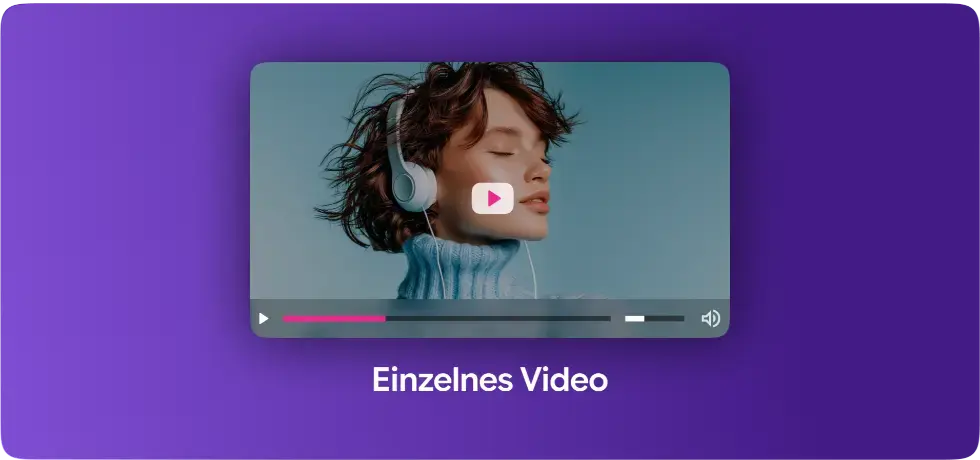
Embed a single video with its title in a responsive player.
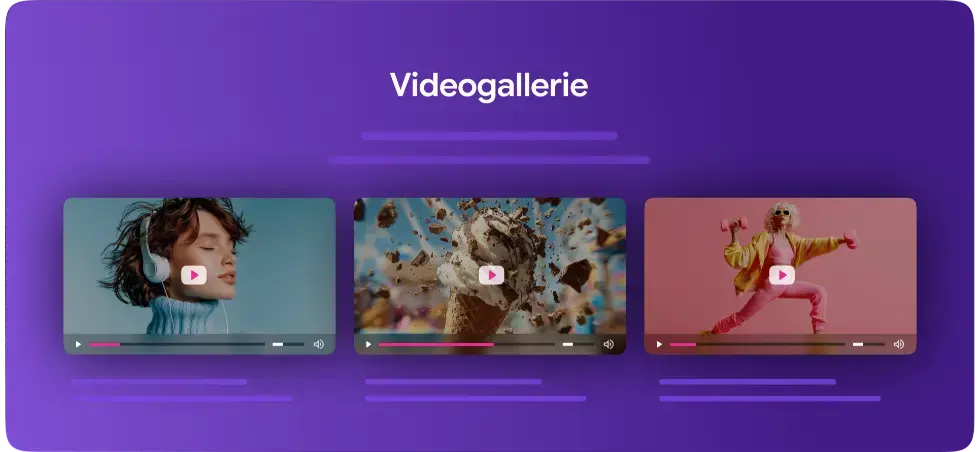
Show up to twelve videos from a library in a grid. A click opens the video in a lightbox.
List all videos of a library with duration and views, spread over several pages.
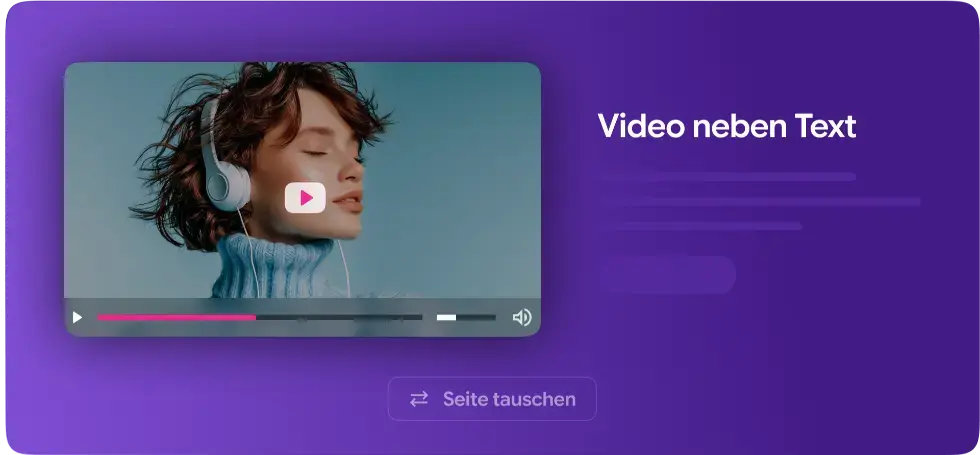
Show a video together with its duration, resolution, views and date.
Install the VideoOptimizer extension with Composer and add the set "VideoOptimizer content elements" to your site.
Store your API token in the extension configuration. TYPO3 then accesses your libraries.
In the page module, add an element from the "Video" group, pick a library and a video, and save.
TYPO3 14.3 LTS in Composer mode, with PHP 8.4 or 8.5.
No. The token stays on the server: every request to VideoOptimizer goes through TYPO3. Alternatively, you can set it as an environment variable.
Yes. The video elements output structured data (schema.org) so search engines can recognize your videos. You can turn this off per site.

Talk to us about how to bring the video library and the ready-made video elements into your TYPO3 site.
