Upload or import by URL
Upload your videos straight from the browser – even large files, thanks to multipart upload – or import a video that is already online through its URL.

 Hosted in
Sulu integration
Manage your video library directly in the Sulu admin and embed ready-made video blocks inside your pages, snippets and articles. The videos are delivered through VideoOptimizer – fast, responsive and GDPR-compliant.

Video management
Your team uploads videos, picks preview images and sets up the player – all in the Sulu admin. The video files stay with VideoOptimizer; extra copies in your media library are not needed.
Bundle & installation guideUpload your videos straight from the browser – even large files, thanks to multipart upload – or import a video that is already online through its URL.
Pick an automatically generated preview image or use your own poster image from your Sulu media.
Set the look and the controls of the player. The video version is chosen automatically based on the device and connection of your visitors.
Templates to get started quickly
Four video blocks for pages, snippets and articles – plus a video field for single videos and a ready-made showcase template. Pick the block that suits your content.
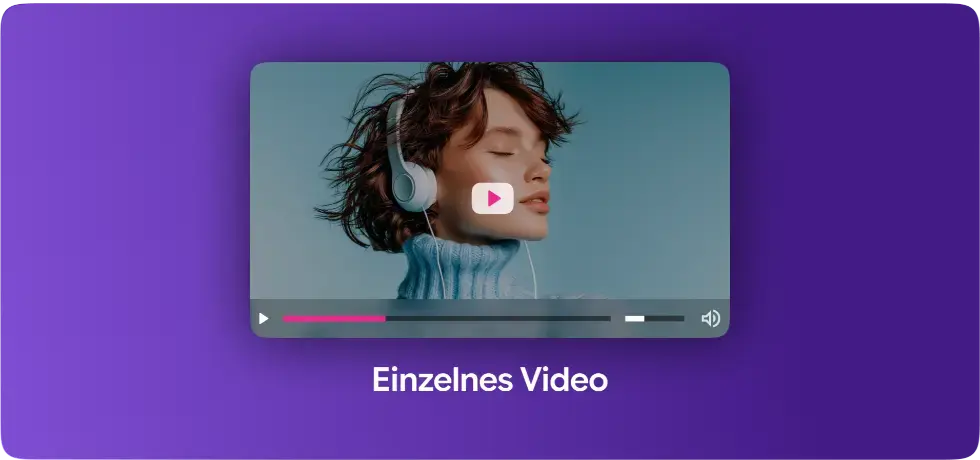
Use the video field to add a single video to any page, snippet or article.
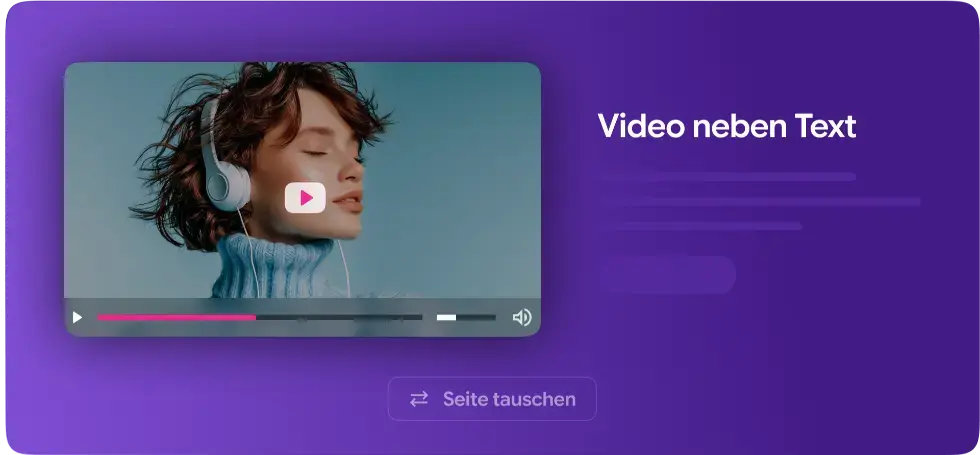
Show your video with text beside it, aligned left or right.

A full-width video runs as the page background, with content on top.
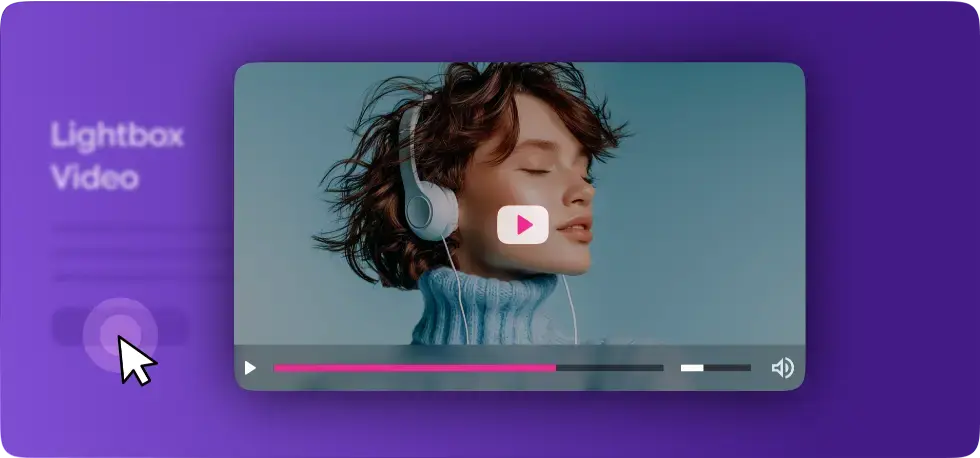
A preview image opens the video on click in a lightbox.
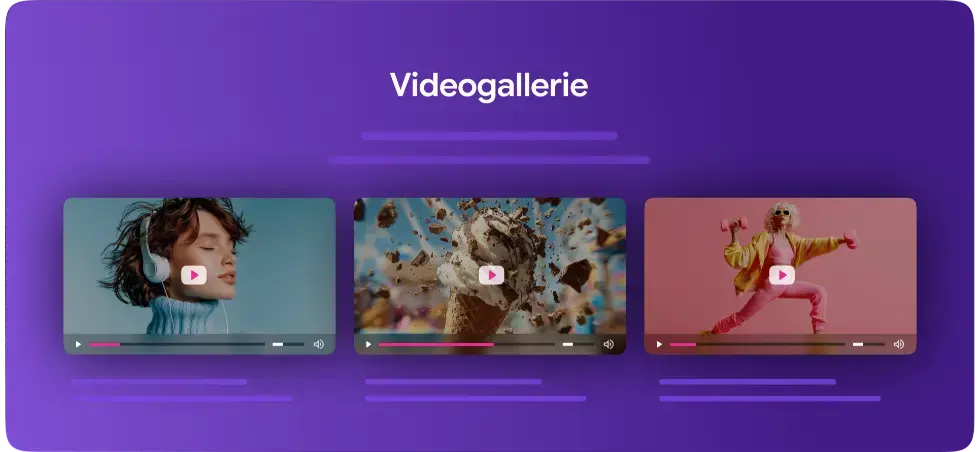
Several videos in a grid; each one opens in the lightbox.
Add the VideoOptimizer bundle to your Sulu project with Composer and run the install command.
Store your API token in the settings. Sulu then accesses the libraries you have released.
Add a video block to your page, pick your video from the library and adjust its presentation.
Sulu 3.0, with PHP 8.2 or higher (including the sodium extension) and Symfony 6.4 or 7.0.
Upload videos or import them by URL, pick preview images, edit titles and player options, search the media library and place videos in pages, snippets and articles – all in the Sulu admin.
No. The token is stored encrypted and is never returned to the browser.

Talk to us about how to bring the video library and the ready-made video blocks into your Sulu site.
